Lead Generation8 min read
Google Ads Budget: How Much to Spend in B2B and Ecommerce
How to calculate your Google Ads budget from your goals, split it across campaigns and set a daily budget that fits Google's spending rules.
 Louis Mauclair8 min read
What Google Ads management actually covers: weekly and monthly tasks, the first 90 days, and the signs an account is running on autopilot.

Louis Mauclair · CEO
Updated November 2026 · 4 min read
TL;DR Managing a Google Ads account is not "keeping an eye on campaigns." It is repetitive, checkable work: every week, clean up search terms and check conversions; every month, test ads, adjust bidding and budget, and report on leads or profit. If your change history has been empty for three weeks, your account is not being managed.
Louis Mauclair, CEO of Klickbee, an SEO, GEO and Google Ads agency for B2B and ecommerce companies. Before Klickbee, he co-founded an ecommerce business that grew past 13,000 customers.
Plenty of companies pay management fees without knowing what they cover. This guide lists the tasks an agency or freelancer should do, how often, and what you can check yourself.
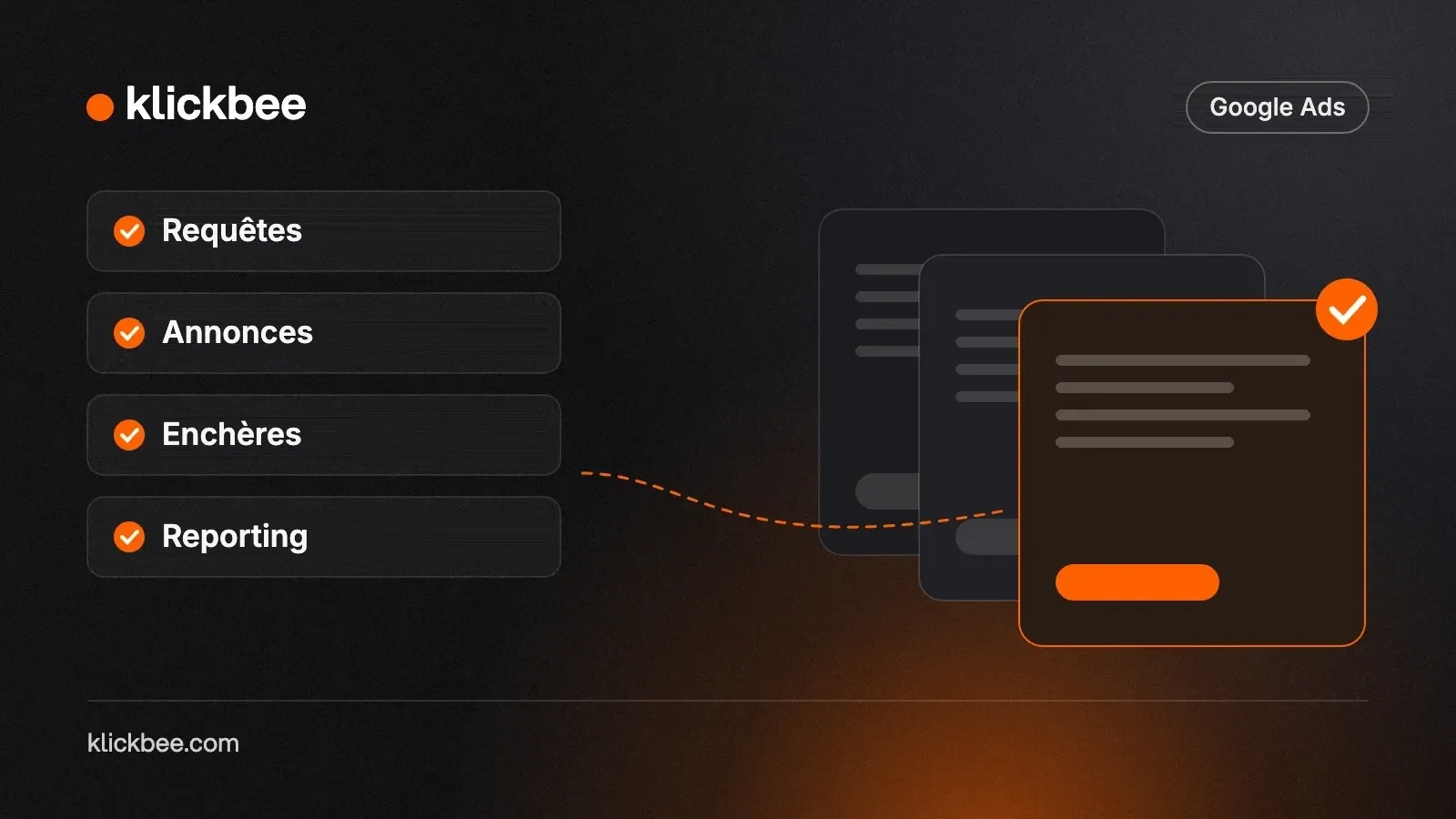
Account management breaks into four areas:
Good management works all four. Lazy management sticks to bids, which Google already automates.
You do not need to be an expert to audit your agency:
For more, see our questions to ask a Google Ads agency and how to choose a Google Ads agency.
Agencies charge either a flat fee or a percentage of ad spend, often with a setup fee. Percentage of spend creates a conflict of interest: the agency earns more when you spend more. A flat fee aligns incentives better. See our guide to Google Ads cost in B2B, and our Google Ads budget guide for sizing spend.
At our Google Ads agency, fees are flat, starting at $1,090 per month with tracking included, and do not depend on spend. Ad spend is paid directly to Google from an account in your name. Every month you get a report on qualified leads and cost per lead, not impressions.
Effective Google Ads management is a set of recurring tasks: search terms, negatives, conversions, ads, bids, budget and reporting. It leaves a trail in the change history and results in your CRM. To see where your account stands, request your free action plan, delivered in 48 hours.
It reviews search terms and adds negatives, checks conversion tracking, tests ads, adjusts bids and budget, improves landing pages and reports on leads or revenue.
A weekly check (search terms, conversions, spend) and deeper optimization monthly. Changing bids every day keeps the algorithm from settling.
No. Recommendations raise your optimization score, not necessarily your results. Some, like broadening keywords or raising budget, need case-by-case review.
Yes, if you have time every week and reliable conversion tracking. Beyond a few campaigns or meaningful spend, the time required usually justifies a specialist.

Louis Mauclair
Louis leads growth and digital acquisition for B2B and e-commerce companies in France and the UAE. Before Klickbee, he co-built and sold an e-commerce business that served more than 13,000 customers. He moved to Dubai in 2026 to work with companies across the GCC.
Free action plan
Want more leads from your traffic?
Get your 6-page action plan within 48 hours.
Get my free action planHow to calculate your Google Ads budget from your goals, split it across campaigns and set a daily budget that fits Google's spending rules.
Louis Mauclair8 min read
What it takes to be a Google Partner or Premier Partner agency, how to verify the badge in Google's directory, and what it does not guarantee.
Louis Mauclair6 min read
22 questions to ask a Google Ads agency before you sign, grouped by theme, with what a good answer sounds like and the red flag to watch for.
Louis Mauclair8 min read
Free action plan
A tailored plan to generate more leads and sales from your existing traffic.